How do you add pay by bank to your checkout?
Payments
November 19, 2026
|
Aeropay Team

This article was written by the payments nerds at Aeropay. Our goal is to provide you with solid insights to help your business operationalize more efficient, value-focused payments.
Pay by bank lets a customer pay straight from their bank account at checkout, and for a US online store it sits next to cards rather than replacing them. The first question most teams ask is how much work it takes to add.
The easiest way to add pay by bank is an ecommerce plugin or a hosted payment link, which can go live with little or no code. A drop-in SDK puts pay by bank inside your own checkout, and a direct API gives platforms full control. Every path needs bank linking, payment creation, status webhooks and refunds underneath.
For more on payment links, see What are payment links? A guide for businesses.
Whichever option you choose, five jobs run underneath it, and your team should know where each one lands in your own systems.
Account approval and production review take more of the calendar than code does. A plugin or payment link can be live within days once your account is approved. An SDK integration takes a few sprints of front-end work, and a direct API build runs longer because your team owns the flow, the status handling and the refunds. Every path includes a sandbox phase for testing and a production review before launch.
A store should move off a plugin once pay by bank needs to appear somewhere the plugin can't reach. Plugins cover the standard checkout page, while mobile apps, custom subscription flows and account pages need an SDK that drops the provider's linking flow into your own screens. A direct API becomes the right call when you pay money out to users or sellers, run your own ledger, or need every payment status inside your own systems as it happens.
Adding pay by bank through an ecommerce plugin or a payment link needs little or no developer time, because setup happens in your store admin or provider dashboard. Embedding pay by bank in a custom checkout or a mobile app needs developers for the SDK or API work and for handling payment status.
Customers whose bank can't connect through the bank login flow can enter their account details by hand, followed by a separate verification step. Micro-deposit verification takes one to two business days and loses customers while they wait, so ask each provider how its fallback verifies an account and how long it takes.
Pay by bank works in mobile apps through SDKs that open the bank-linking flow inside the app, so the customer approves the connection with their bank and returns to checkout. iOS apps can also send customers to a web checkout for digital purchases, covered in How it works: Pay by bank for iOS in-app purchases.
Stores that offer pay by bank don't keep customers' bank logins. The customer signs in on their own bank's screen, and the provider returns a token that your system stores in place of account credentials, so no bank passwords are shared with you or kept in your database.
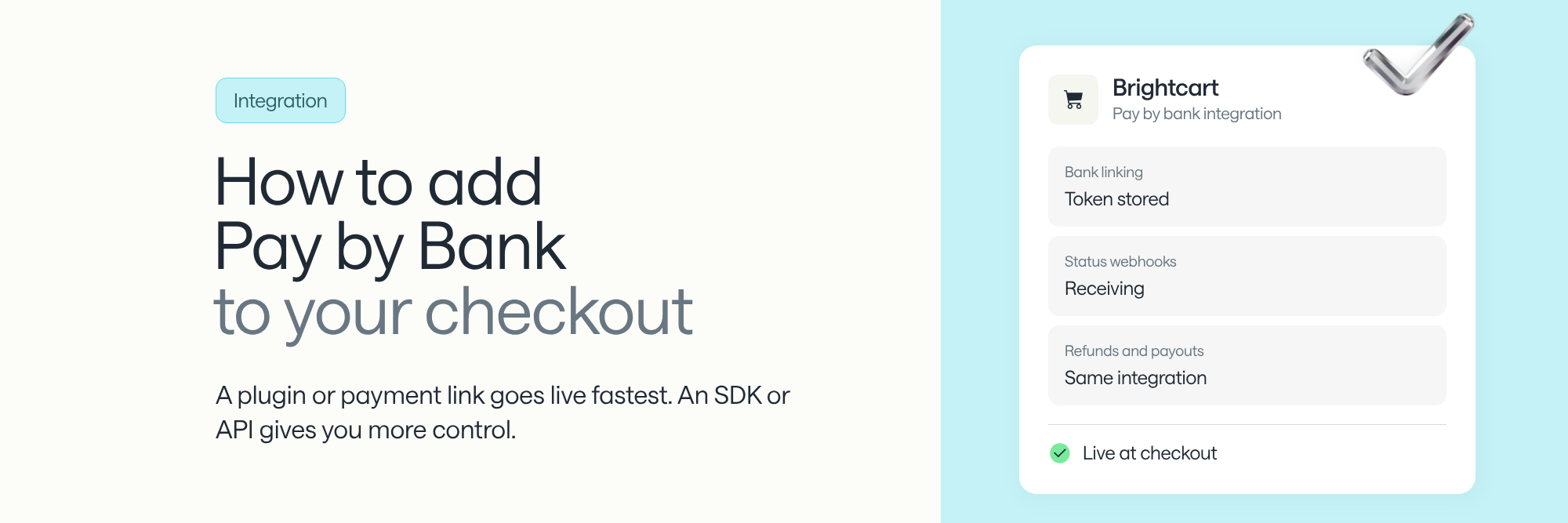
Add pay by bank with a plugin or payment link if you want speed, a drop-in SDK if you want it inside your checkout, or a direct API if you need full control. Every path needs bank linking, payment creation, webhooks and refunds, so choose a provider that handles all four, plus payouts, in one integration.
Ready to add pay by bank? See how Aeropay helps US businesses launch bank payments.